
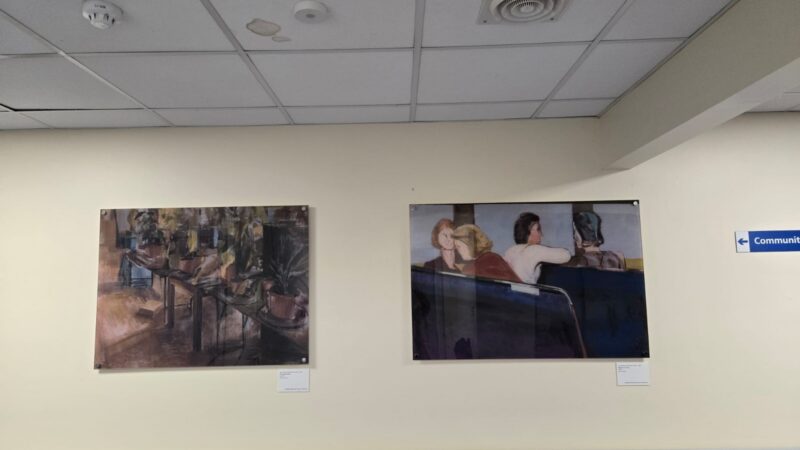
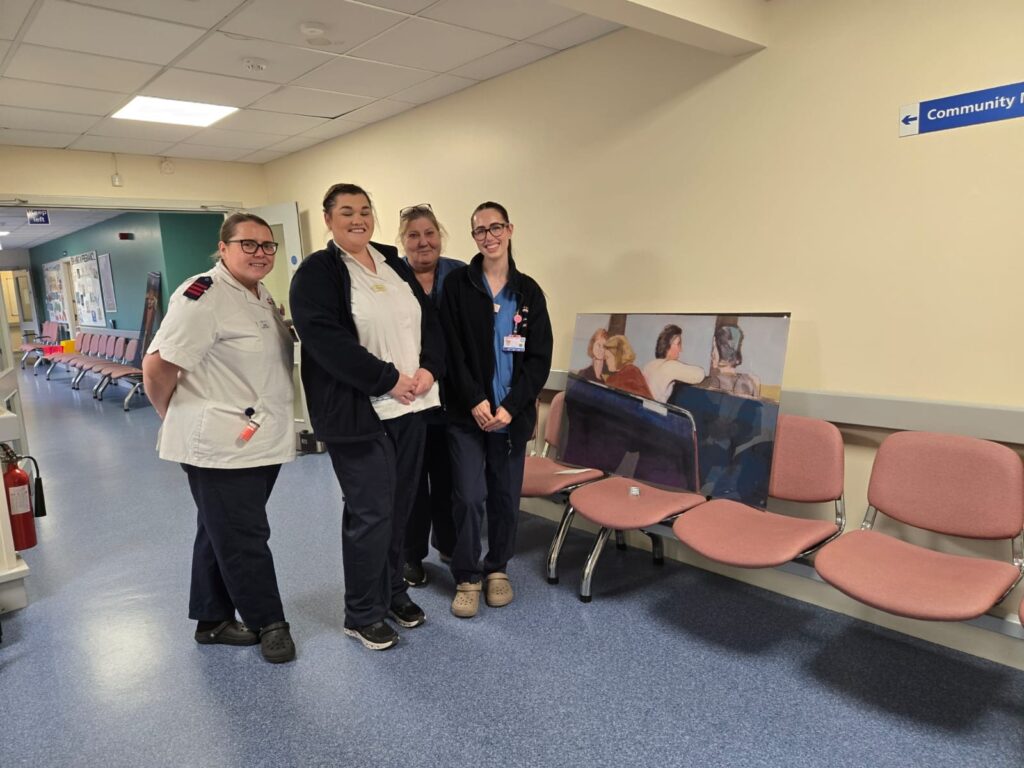
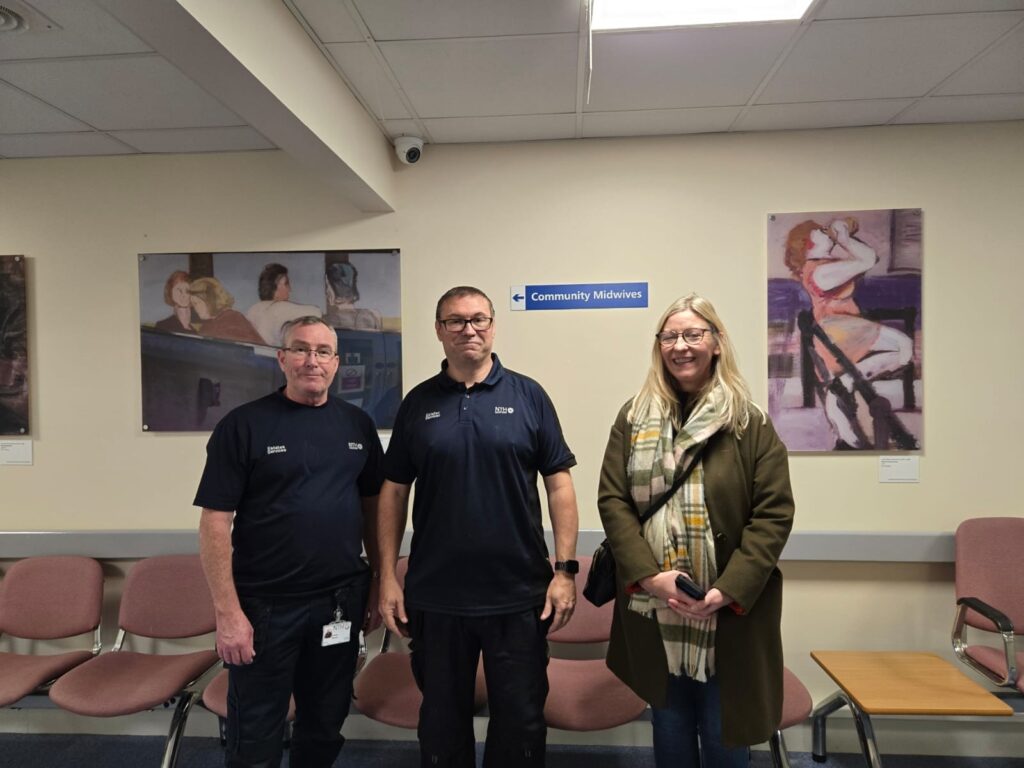
An exhibit of replica paintings celebrating the life and work of local artist John Wilson McCracken is on display at Peterlee Community Hospital thanks to a collaboration between the University Hospitals Tees and Hartlepool Art Gallery.
Thanks to the support of the Art Fund Reimagine grant, this exhibition features high-quality reproductions of McCracken’s original artworks, making his powerful and emotive pieces accessible to a wider audience.
Hartlepool Museum and Gallery Service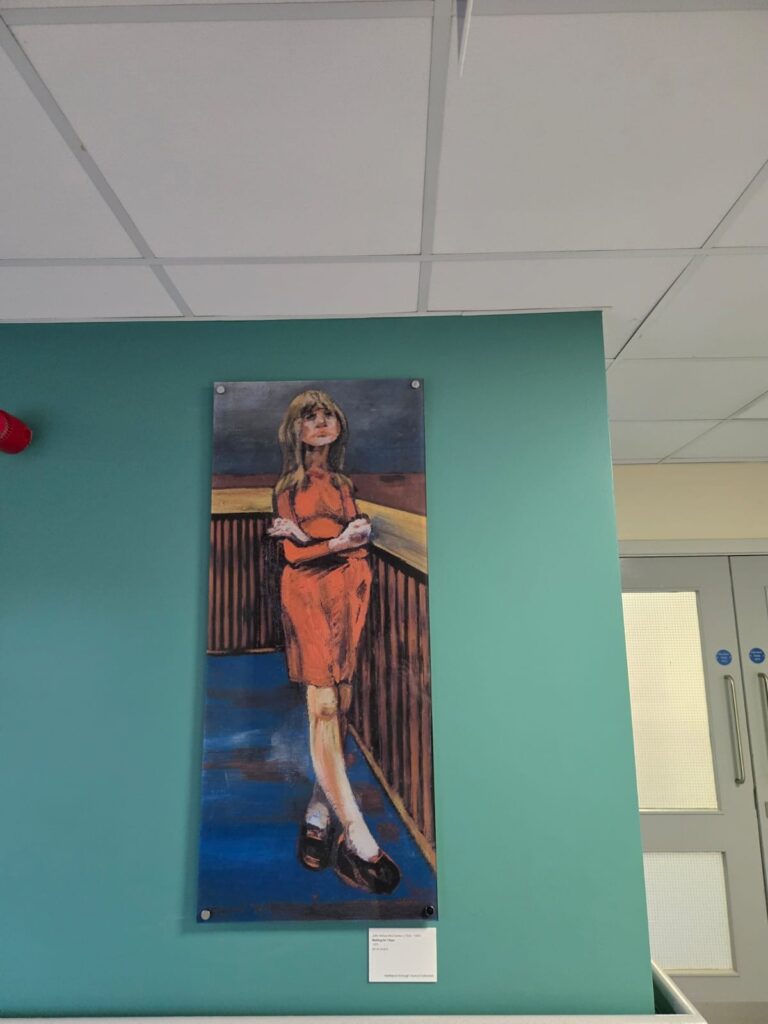
About the artist
Born in Belfast, McCracken studied at the prestigious Slade School of Art, where he won a notable award for his artistic excellence. In 1959 he settled in Peterlee, teaching at West Hartlepool College of Art and became a curator at the Gray Art Gallery and Museum. He was instrumental in bringing major exhibitions to the town, including Lucian Freud’s first solo show outside London.
The town of Peterlee and its residents deeply influenced his work. His paintings, which are rich in colour, movement and texture, capture the industrial strength, spirit, and humanity of the North East. His portraits of local people are held in collections including the Arts Council of England and Hartlepool Art Gallery and his legacy continues to inspire the next generation of painters.
McCracken lived with mental health challenges and the paintings on display have been curated in collaboration with members of Andy’s Man Club, reflecting a shared commitment to mental health awareness and community wellbeing.
How to change language in your browser
If you would like to read this page in another language, your browser has the option to change language or translate a page.
Google Chrome
You can use Chrome to translate a page into other languages.
- On your computer, open Chrome.
- Go to a page that you want to translate.
- On the right of the address bar, select Translate . You can right-click anywhere on the page and select Translate to [Language].
- Select your preferred language.
Apple Safari
How to translate a webpage in Safari on an iPhone
- Open Safari and navigate to the webpage you want to translate.
- Look for the “aA” icon located on the left side of the address bar. …
- Tap the “aA” icon and a menu will appear. …
- Select “Translate to [Your Device Language]”.
Microsoft Edge
- On the Microsoft Edge homepage, click on the three dots on the top right corner of your browser.
- At the bottom of the drop-down menu, click on Settings.
- At the button on the left-hand menu, click on Languages.
- Click on Add languages in the top-right corner.
Mozilla Firefox
In the General panel, scroll down to Language under Language and appearance. Click the Choose button next to Choose your preferred language for displaying pages to see your list of languages.